Print KeepYOUR MINI PRINT COLLECTION
THE COLLECTOR FIELD GUIDE

Ana Inciardi
mini prints.

A friendly place to start with Ana Inciardi mini prints: plan a machine visit, remember what you pulled, and give your collection a home, on screen and off.

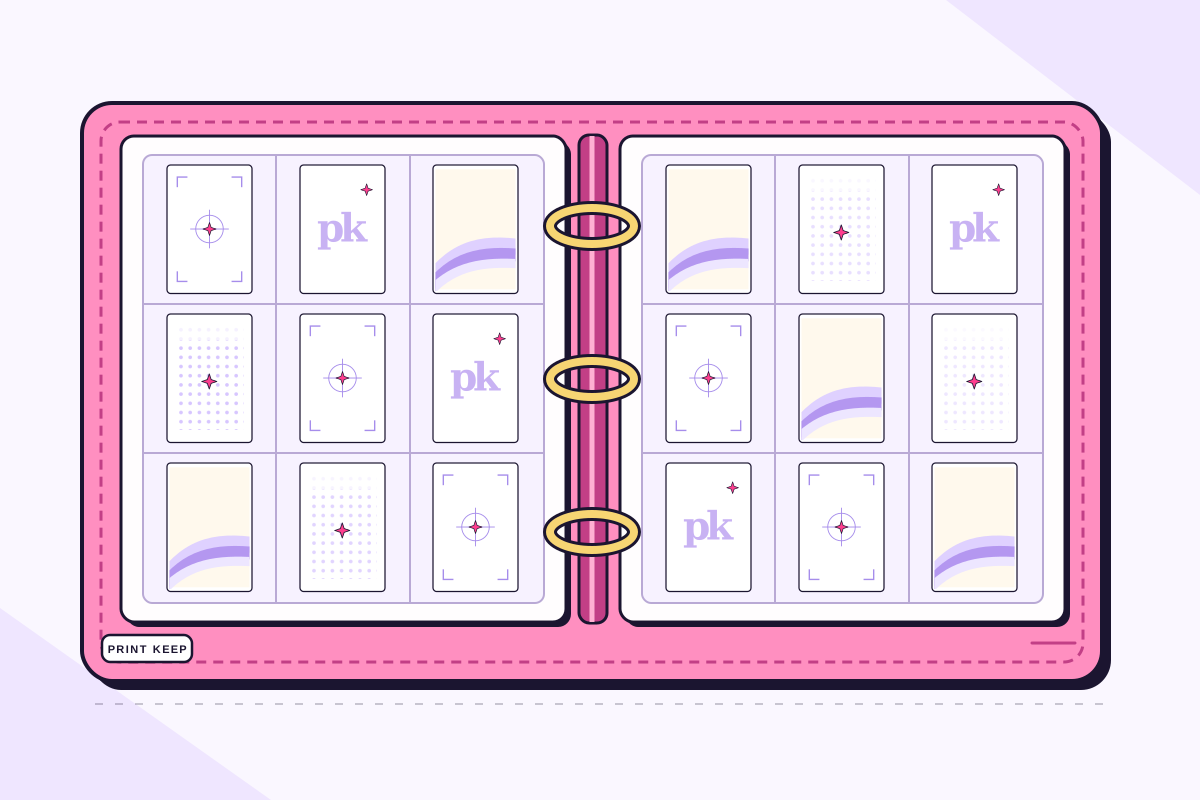
Flat illustration of a pink Print Keep binder open to two three-by-three pocket sheets, each holding nine two-by-three placeholder cards
01THE HUNT

Find mini print machines near you.

Sign in with your Print Keep account to use the machine map. Open a location to see the prints listed inside, based on reviewed official and collector-verified reports. Each machine detail shows its most recent saved update or source report date when available, so you can see how fresh the information is.

You can also check Inciardi Prints’ official machine map. Before you travel, confirm the venue’s hours and access rules. Listed prints are reported assortments, not a live stock check, so the prints in a machine may have changed.

Planning a few stops? Add machines to the trip builder, arrange their order, save the plan, and open directions in Google or Apple Maps. Our mini print machine locations and trip guide walks you through finding a location and planning your route.

Explore the machine map →
Little ritualAfter a pull, jot down where you went and what came out while the visit is still fresh.
02THE RECORD

Let Print Keep remember the details.

Find each print in the Archive and mark what you own. Add extra copies too, so your collection reflects the real pile on your desk. Try a digital Binder page before rearranging your physical one.

ISOIn search of
DISOEspecially hoping to find
UFTUp for trading

These lists are yours to change. A wish list should keep the fun visible, not become homework.

THE PHYSICAL BINDER

A cozy home for the real things.

Your digital Binder is a place to play with layouts. A physical binder is where you get to turn the pages.

01 / FIT

Measure before you buy

Measure a print and compare it with the pocket’s usable interior, not only the album’s outside dimensions. Check how the pocket opens, then test one print before filling the page. It should slide in without bending or forcing the edges.

02 / MATERIALS

Choose gentle sleeves

For longer-term storage, look for uncoated polyester, polypropylene, or polyethylene sleeves from a reputable supplier. Avoid PVC, self-stick pages, tape, and glue touching the art. “Archival” on a label alone does not tell the whole story.

03 / KEEPING

Give pages breathing room

Don’t overstuff pockets or crowd the rings. Store the binder in a cool, dry, stable place away from direct light and damp spaces. If you display a favorite, rotate it with one from the binder now and then.

These are general print-storage tips, adapted from the Library of Congress and National Archives. Materials and fit still depend on your particular print and holder.

Browse Collector Picks for binders, sleeves, and display ideas
04THE EXTRAS

A duplicate is another possibility.

Keep it as a dupe, gift it, give it a new spot in a display, or mark it UFT if you’d like to consider a trade. Keep your ISO and DISO lists current so another collector can see what you hope to find.

Before sending a trade, agree on the exact prints and their condition. Print Keep’s Trade Hub can help participating collectors connect; access depends on your account. There’s no single trade formula everyone has to follow.

PUT IT INTO PRACTICE

Your first pulls, from machine to collection

Start with the prints you actually have. You can decide what to trade or display after the collection count is right.

A worked example

Example: you pull two copies of one design and one copy of another. That is three physical prints and two different designs. Record Owned = 2 for the repeated design and Owned = 1 for the other. If you want to keep one of each, you may choose UFT = 1 for the extra; you can also keep both. This is a counting example, not a rule about what a collection should contain.

  1. Before a visit, check the venue's own hours, any admission or purchase requirement, and the latest available machine report. A location listing is not a reservation or a live stock count.
  2. After a pull, keep the print flat and note the venue and date while you remember them. Match the artwork in the Archive before changing its count; similar-looking designs can be different prints.
  3. Count every physical copy. If you have two of the same print, record two owned copies. Mark only the copy you are comfortable offering as UFT; owning a duplicate does not offer it automatically.
  4. Remove a wanted mark when you no longer want another copy. Choose a digital Binder layout, then check the usable pocket space before moving the art into a physical binder.
?COMMON QUESTIONS

Getting started with mini prints

Where can I find an Inciardi mini print machine?

Check Inciardi Prints’ official machine map, or sign in to Print Keep to browse locations by city and state. Our machine locations guide explains how to check a listing and plan a visit. Confirm the venue’s hours and access rules before traveling.

Can I see which mini prints are in a machine?

Print Keep shows reported assortments from reviewed official and collector-verified reports, with an update or source date when available. A report cannot guarantee what you will pull or what is still available when you arrive.

How do I keep track of my mini print collection?

Find a print in the Archive, mark the copies you own, and add wanted prints to ISO or DISO. Arrange your collection in a digital Binder and mark extra copies UFT when you are ready to consider a trade. Every collector feature is free.

AFTER YOUR NEXT VISIT

A five-minute collecting reset.

  1. Mark the prints you pulled.
  2. Update extra copy counts and your ISO list.
  3. Choose one favorite for a digital or physical Binder page.
Open Print Keep